Turn any selection of photos into a beautiful, shareable web report - your cameras, lenses, focal lengths, settings, and what they say about the way you shoot.
Works on Windows & macOS · Lightroom Classic · no account needed · your photos never leave your computer
One click in Lightroom builds an interactive page you can explore, filter, and share.
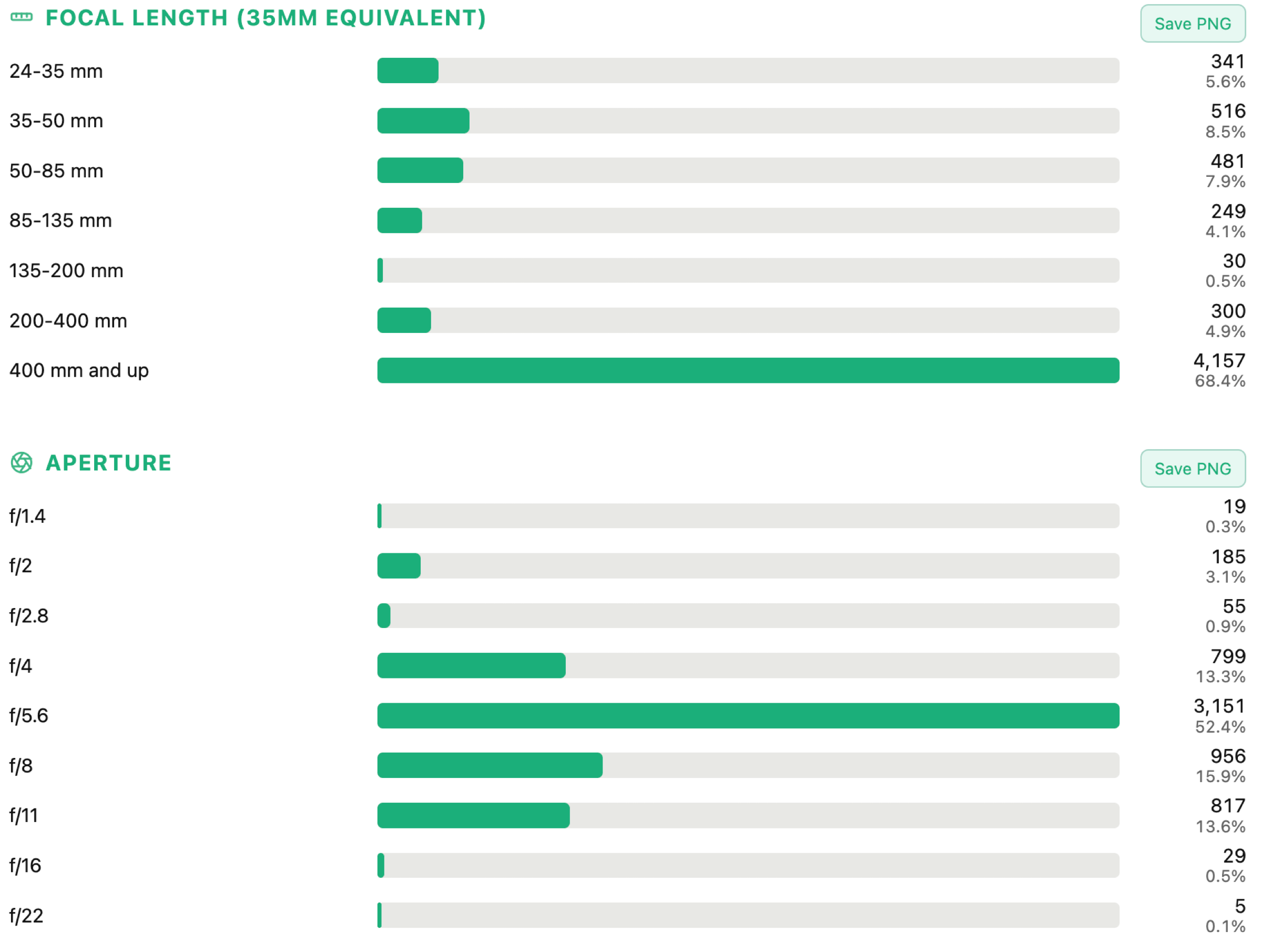
Cameras, lenses, lens mount, sensor format, focal length, aperture, shutter, ISO, flash, file format and more - as clean, interactive bars.
Plain-English insights read from your data - "a golden-hour shooter", "you keep it clean at low ISO", "a prime shooter" - no jargon.
When your own stats show a real gap - a fast prime you don't have, more reach for a heavy cropper - you get a tasteful, relevant suggestion.
Busiest day and month, days shot vs the whole range, average shots per active day, time-of-day and day-of-week patterns.
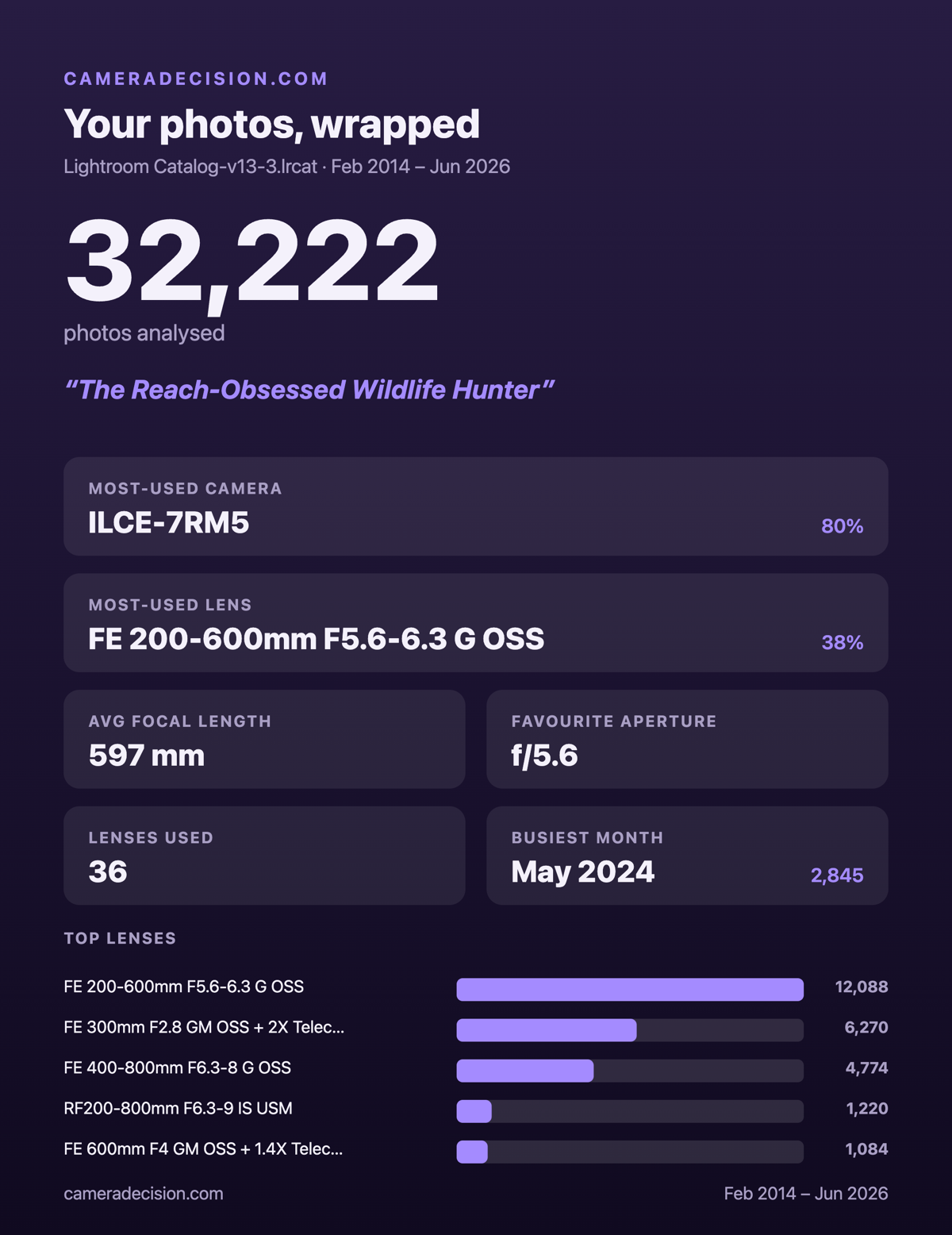
Export any chart as an image, or generate a single poster-style "wrapped" card of your highlights to share on social.
Only anonymous, aggregated numbers are sent to build the page - never your photos, never file paths. The report lives at an unlisted link only you have.
Under a minute from install to a finished report.
Pick any set in Lightroom Classic - a shoot, a year, or your whole catalog.
File → Plug-in Extras → CAMDEC Snapshot. It reads the metadata with a progress bar.
A link opens in your browser with the full interactive breakdown - ready to explore and share.
Real sample reports for different kinds of photographer. Click any to explore the live page.
CAMDEC-Snapshot.lrplugin.Requires Lightroom Classic (the desktop/catalog version). Not compatible with the cloud-based Lightroom app.